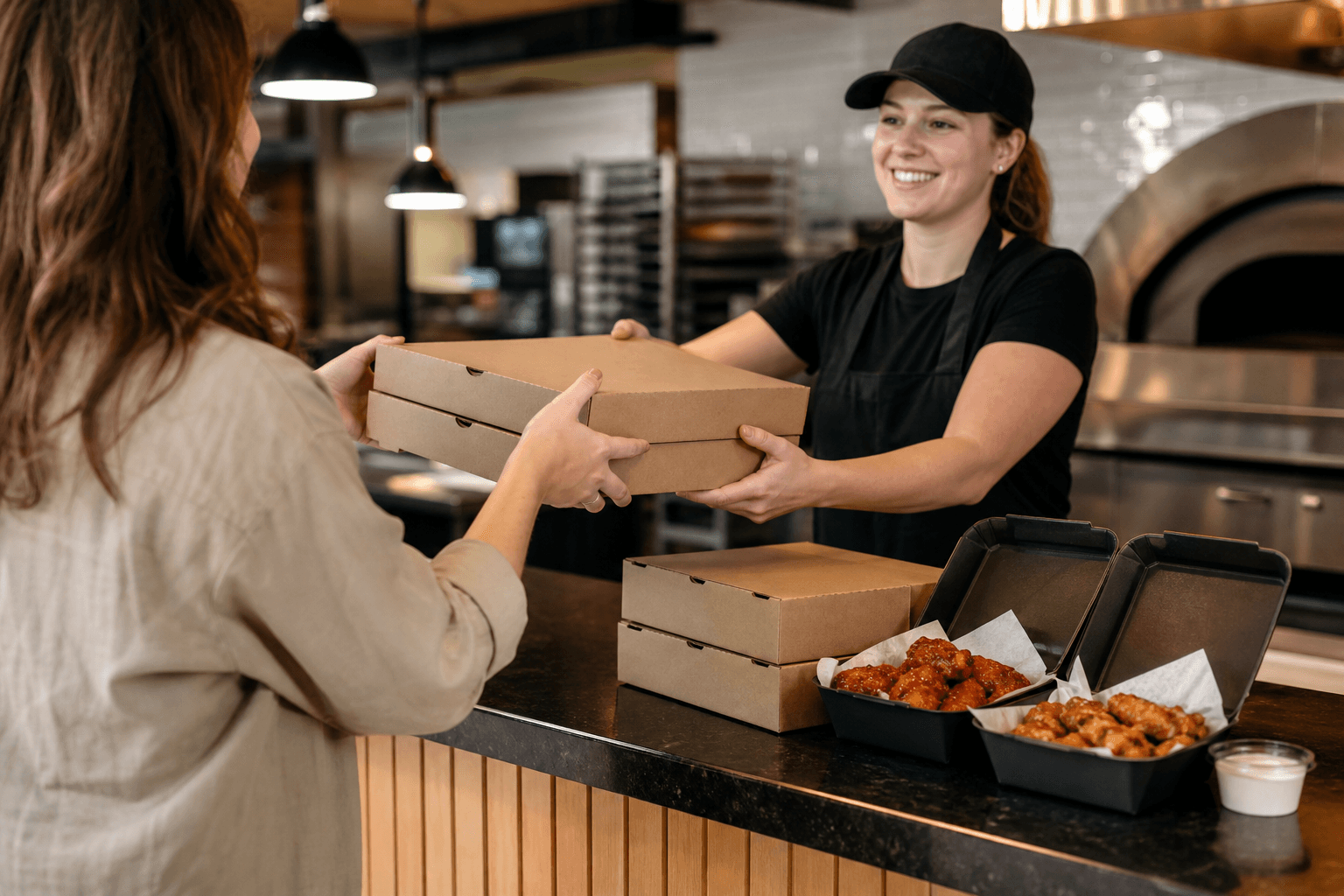
A pizza pickup time estimate is the expected time your order should be ready for collection, not a guaranteed arrival time or delivery ETA. For Noni’s Pizza & Wings, use the current estimate for your selected order to plan your trip, allow for kitchen and queue conditions, and call (519) 290-9555 if the order is not ready around that time. Related reading: Panzerotti Pickup in Woodstock, Ontario: How to Order from Noni’s.
What a pizza pickup time estimate actually means
A pickup estimate answers one practical question: when should the restaurant expect your order to be ready for you to collect? It generally includes preparation time and the work already ahead of your order, but it remains an estimate rather than a promise.
Noni’s prepares pizza, wings, panzerotti, and other menu items to order instead of keeping them pre-cooked. That freshness-focused process means the order-ready time depends on what you choose and what the kitchen is handling when you place the order.
| Timing term | What it usually refers to | What you should do |
|---|---|---|
| Pickup estimate | The expected time your food will be ready at the restaurant. | Use it to plan when to leave, without treating it as guaranteed. |
| Your arrival time | The time you expect to reach the restaurant. | Allow for traffic, parking, walking, and the handoff. |
| Delivery ETA | The estimated time food should reach the delivery address. | Do not use it as a pickup estimate. It involves a different handoff and travel process. |
The minutes shown for a delivery ETA describe expected delivery arrival, while a restaurant pickup estimate centres on preparation and collection. These are different timing points, so use the estimate attached to the service you selected. Related reading: Airport pickup.
Why the estimate can change
Pizza pickup wait time is not identical for every order. Several ordinary kitchen and travel conditions can move the expected ready time earlier or later.
Preparation and menu complexity
A simple pizza order has different preparation needs from a larger order combining several pizzas, wings, sides, or panzerotti. More items create more preparation, cooking, checking, and packing steps. Custom toppings, crust choices, sauces, and special instructions can also make an order less straightforward.
Wings and panzerotti deserve particular attention because they are part of a broader order rather than interchangeable add-ons. If one component needs more preparation than another, the complete order is ready only when the necessary items can be packed together.
The queue and busy periods
The estimate reflects more than your own order. Orders placed before yours, a sudden rush, family-sized meals, and multiple online or in-person orders can affect the kitchen queue. Friday and Saturday evenings may also move at a different pace from a quieter weekday period.
A displayed time should guide your planning without becoming a guaranteed deadline. An estimate can work well for an ordinary plan while still changing if the queue or preparation workload shifts.
Edits, substitutions, and ordering channels
Changing an order after submission can affect its place in the preparation process. Adding items, changing quantities, or requesting different preparation may require the restaurant to reassess the order.
Timing information can also differ by ordering channel or by the details selected for the order. Use the current estimate shown for your selected Noni’s order, not an old estimate from another order, channel, or service type.
Questions about whether an ETA is accurate or based on time or distance usually apply to a trip or delivery service. For restaurant pickup, the useful question is different: has the kitchen had enough time to prepare this particular order, given its contents and the current queue?
Two realistic ways to plan your pickup

The examples below are hypothetical. They illustrate how to use an estimate without assigning a fixed preparation time to Noni’s or promising that an order will be ready at a particular minute.
Scenario 1: A straightforward order placed ahead
You order one pizza for pickup before leaving home and the ordering screen shows an expected ready time. You note the estimate, allow time to travel and park, and aim to reach the restaurant around that point instead of arriving far in advance.
If the order is ready when you arrive, the estimate has served its purpose. If the time changes, follow the latest order information. The original display was a planning guide, not a reservation of kitchen capacity.
Scenario 2: Pizza and wings during a busy period
You place a larger order with pizza, baked wings, and a side during a busy evening. The displayed estimate helps you decide when to leave, but the combination has more preparation and packing steps than a single item. A queue increase or order change could move the expected ready time.
Plan around the complete order, check the current status before travelling if the system provides one, and ask the restaurant for an update if the estimate passes without a handoff.
Before you leave for Noni’s pickup

- Select pickup at checkout. Do not rely on a delivery estimate when you intend to collect the order.
- Review the current estimate. Note the displayed time and the items, quantities, customizations, and order method attached to it.
- Plan your travel separately. The ready estimate is not the same as your driving, parking, or walking time.
- Check the pickup hours. Noni’s lists hours of 11 AM to 9 PM Sunday through Thursday and 11 AM to 11 PM Friday and Saturday.
- Bring the order details. Keep the confirmation, order number, or name used for the order available at collection.
Pickup is available at 300 Main St, Unit 8, Woodstock, ON N4S 1T3. Check the restaurant’s pickup hours before placing an order, especially on Friday or Saturday when the listed closing time is later.
Do not assume that an ordering screen sends a ready notification unless your current order explicitly says so. If no notification appears, the displayed estimate and the restaurant’s current status are more useful than waiting for an alert that may not be part of your ordering channel.
If your order is not ready at the estimate
A missed estimate does not tell you by itself what went wrong. Use a short, practical sequence to get the current answer.
- Verify the order details. Check that you selected pickup, the correct location, and the correct order rather than a delivery order or older confirmation.
- Check for an updated status. If the ordering channel shows a revised estimate or message, use that newer information.
- Ask staff for the current status. Give the name or order number and ask whether the order is still being prepared, packed, or ready for collection.
- Call if you need help with an order issue. Noni’s directs customers with order problems to call (519) 290-9555.
When you speak with the restaurant, have the order time, items, selected pickup method, and any changes ready. That gives staff the information needed to locate the order without requiring you to place it again.
Pickup timing questions Woodstock customers ask
Is a pickup time the time my pizza should be ready or the time I should arrive?
It is the expected order-ready time. Your arrival time must account for the trip to 300 Main St, parking, and the handoff, so leaving too early can mean waiting before the food is ready.
How accurate are pizza pickup time estimates?
They are useful planning estimates, not guarantees. Accuracy depends on the order, kitchen queue, selected preparation, ordering channel, and how conditions develop after submission.
Can I order pizza ahead for a specific pickup time?
No current Noni’s information supplied for this guide verifies scheduled pickup for a specific future time. Treat the estimate shown for the current order as the available timing information, not a guaranteed reservation.
What should I do if my pickup order is not ready?
Check the current order status, confirm that pickup and the correct location were selected, then ask staff for an update. For an order issue, call Noni’s at (519) 290-9555 with your order details.
Why can the pickup estimate change after I place an order?
The kitchen queue or preparation workload may change, or the order may have been edited. A larger order, multiple menu categories, customizations, and a busy period can all affect the expected ready time.
Plan your next Woodstock pickup with the current estimate
The safest way to use a pizza pickup estimate is to treat it as a preparation guide: select pickup, read the current order-ready time, plan your journey separately, and contact the restaurant if the estimate is missed. For the latest Woodstock pickup and delivery ordering options, visit Noni’s Pizza & Wings pickup and delivery service.
Topics & Tags: